Limited Time Free Registration Ends Soon..
First Time Ever... Create Stunning Interiors with 3ds Max in Just 5 Days!
Struggling with 3ds Max? 5 Days Is All You Need to Create Professional Interior Scenes!
The Ultimate Workshop Where You’ll Master 3ds Max, Create Stunning Interior Scenes, Land High-Paying Projects, and Earn 1-2 Lakh Rupees/Month—All While Expressing Your Creative Vision and Working on Your Own Terms!
Reserve Your Free Spot For The Exclusive Workshop
(LIMITED SEATS)
🗓️ Webinar Date - 04 May, 2025 | 11:00 AM IST
(Free Seats Will End Soon)
Here's what you'll discover in this LIVE workshop:
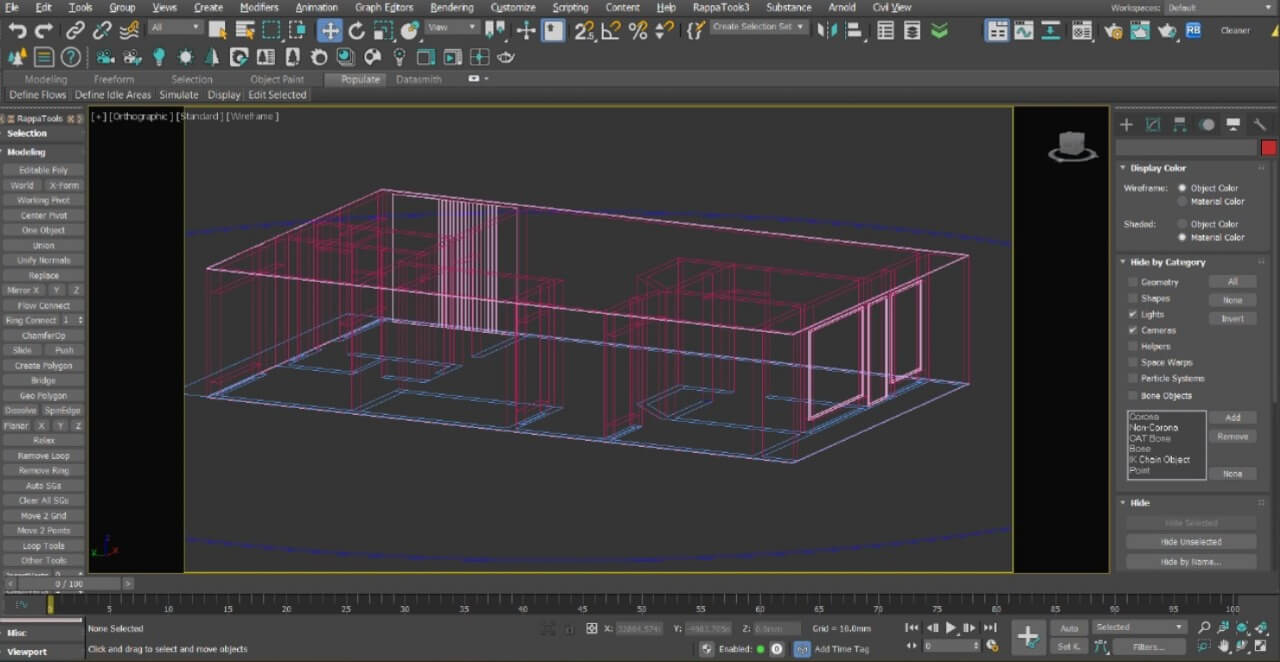
Modeling
- Master the Basics: Learn to create accurate 3D models from scratch.
- Refine with Precision: Use advanced techniques for detailed and realistic models.
- Optimize Workflow: Efficiently manage complex projects and model hierarchies.
- Problem-Solving Skills: Troubleshoot common modeling issues with ease.
- Material Application: Apply textures to bring your models to life.
- UV Mapping: Seamlessly map textures onto complex surfaces.
- Texture Optimization: Ensure high-quality textures without compromising performance.
- Advanced Techniques: Explore procedural textures and custom materials.
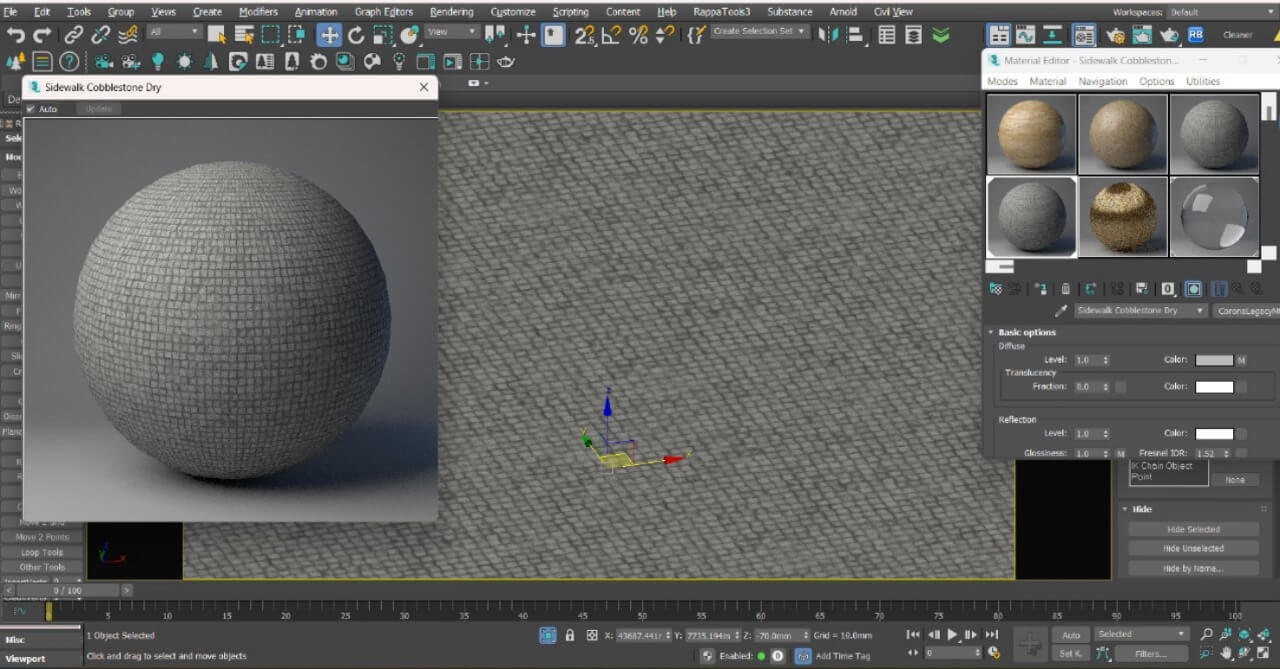
Texturing
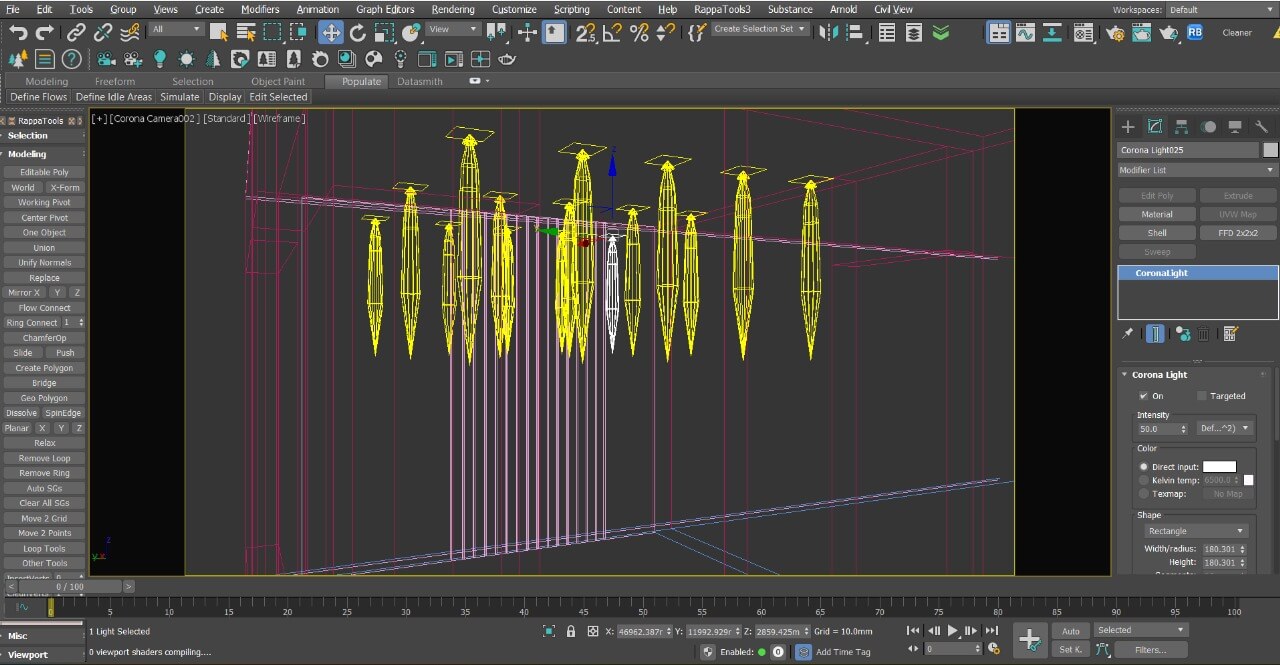
Lighting
- Fundamentals of Lighting: Understand the impact of light in 3D scenes.
- Realistic Illumination: Create natural and artificial lighting setups.
- Lighting Techniques: Master global illumination and ambient occlusion.
- Mood & Atmosphere: Use lighting to set the tone and feel of your scene.
- Camera Basics: Learn camera types and their uses in 3ds Max.
- Framing & Composition: Set up shots that enhance your design.
- Camera Animation: Create dynamic camera movements for walkthroughs.
- Rendering Perspectives: Choose the best camera angles for compelling renders.
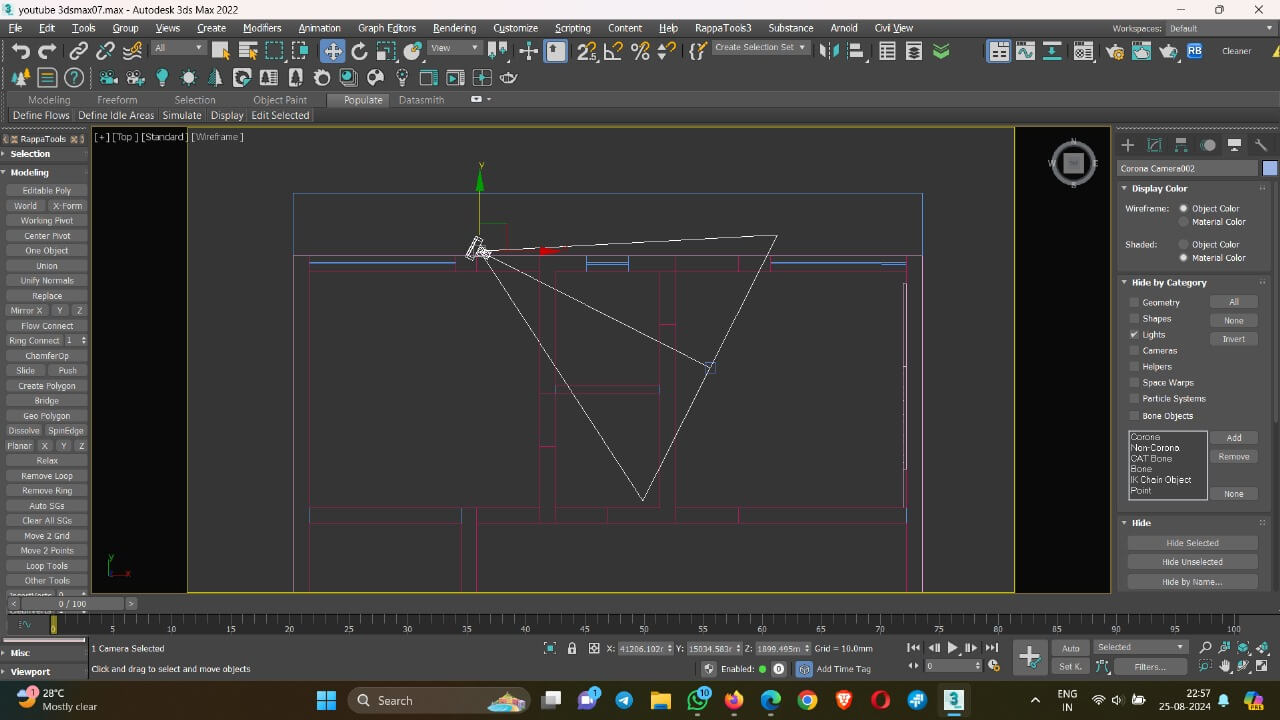
Camera Setup
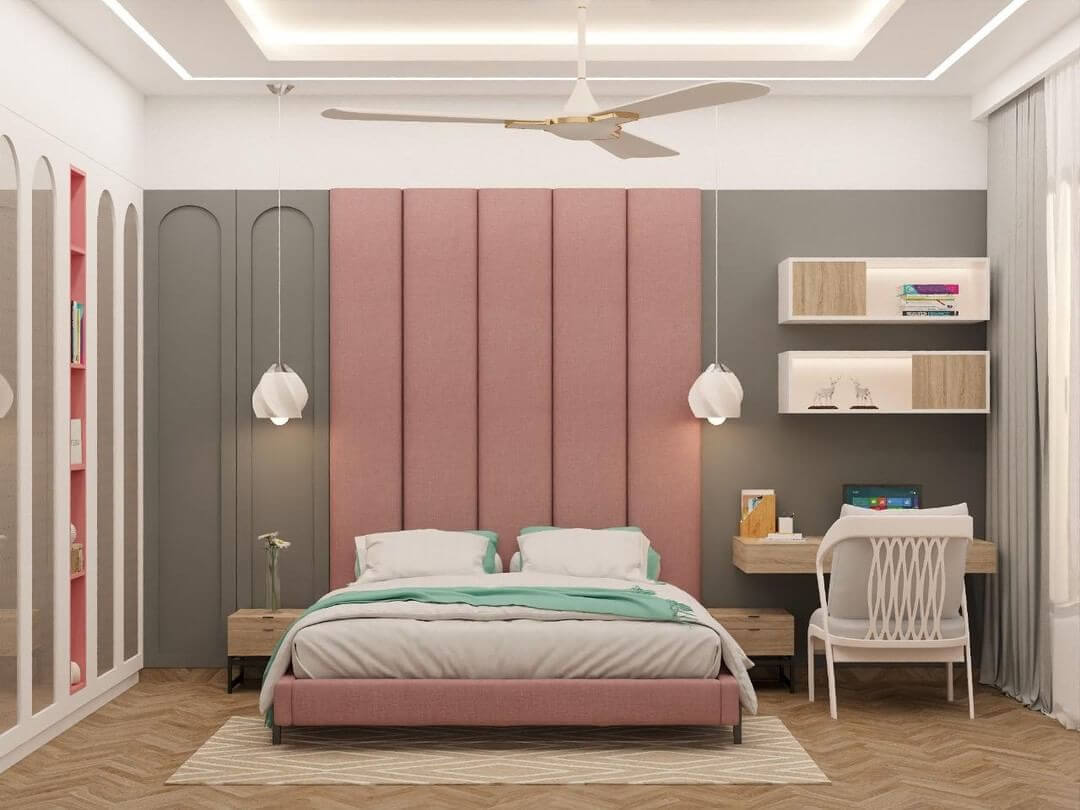
Rendering
- Rendering Essentials: Understand key settings for high-quality outputs.
- Real-Time Rendering: Learn to use interactive rendering for instant feedback.
- Optimization Techniques: Speed up rendering without losing quality.
- Final Output: Produce photorealistic renders ready for presentation.
Plus Exclusive Bonuses Worth $500 To Be Announced On The Live Workshop
Reserve Your Free Spot For The Exclusive Workshop
(LIMITED SEATS)
🗓️ Webinar Date - 04 May, 2025 | 11:00 AM IST
(Free Seats Will End Soon)
Meet Your Host
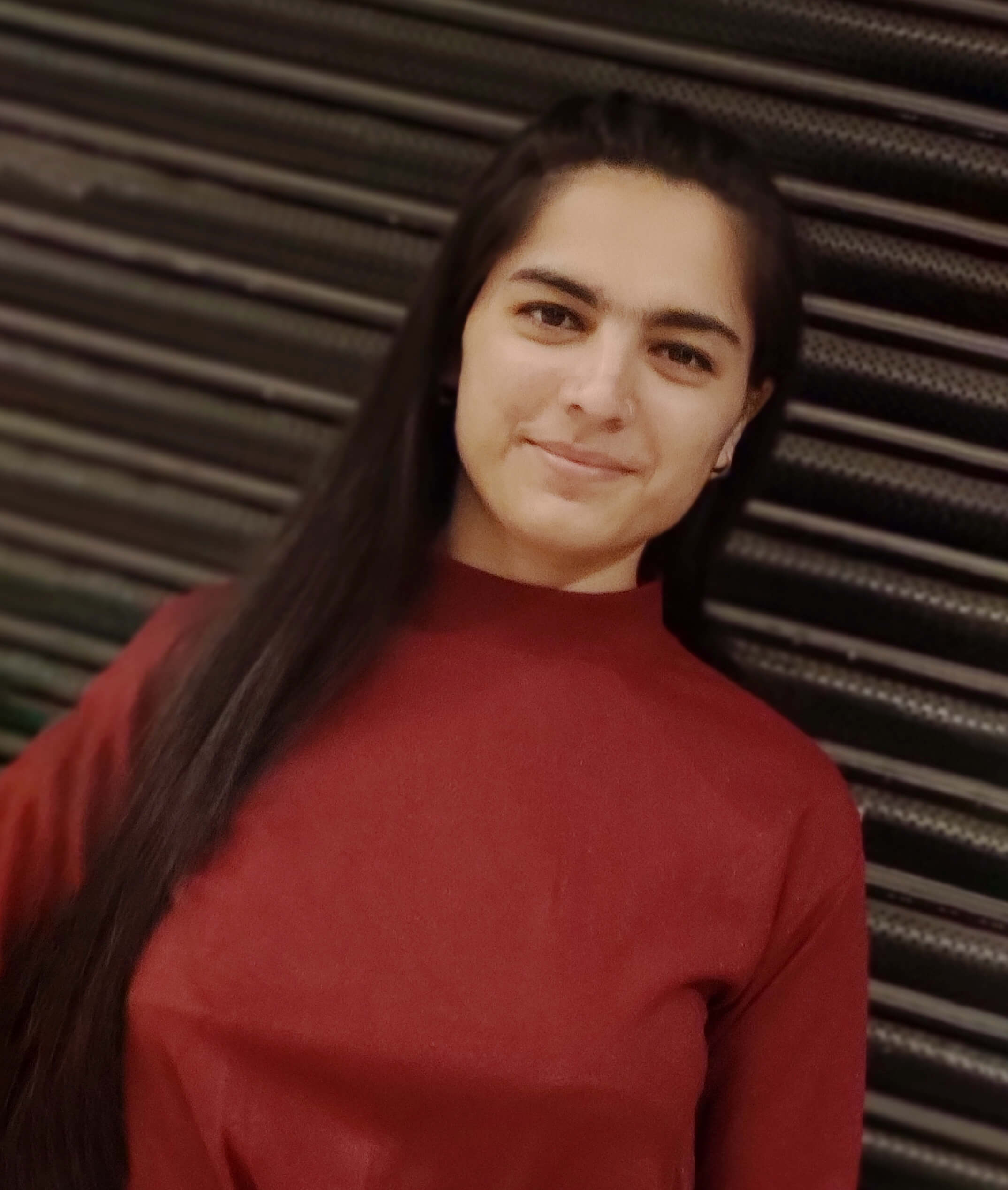
Er. Kajal Punia
3D Artist
Kajal empowers aspiring 3D artists and design professionals to excel in the world of 3D visualization through her expert training programs.
With 4+ years of experience, she has collaborated with top interior designers to bring their visions to life and worked with leading visualization companies, creating high-rise HD renders, animations, walkthroughs, and isometric views.
Kajal has also successfully freelanced, delivering exceptional projects that meet her clients' exacting standards. Her extensive experience as a Project Manager allows her to guide projects from start to finish, ensuring every detail is perfected.
Through her workshops, Kajal shares her vast knowledge and hands-on expertise, helping students and professionals alike to master 3ds Max, create stunning 3D visuals, and achieve success in their careers.
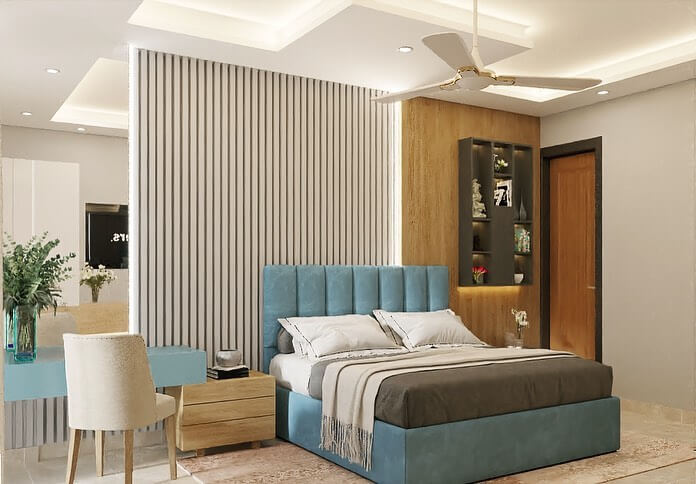
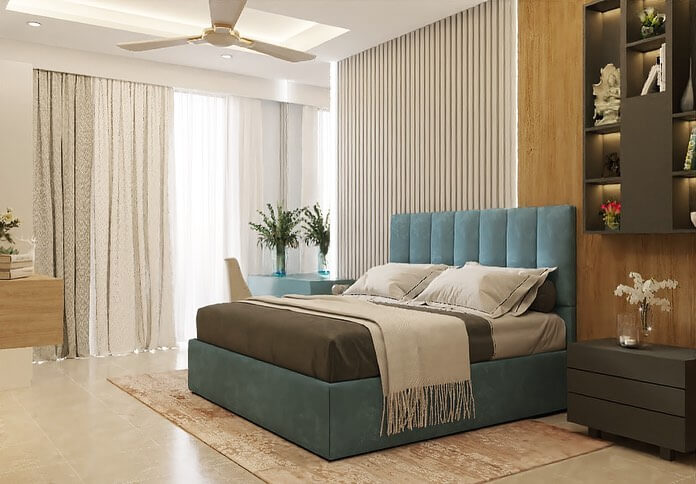
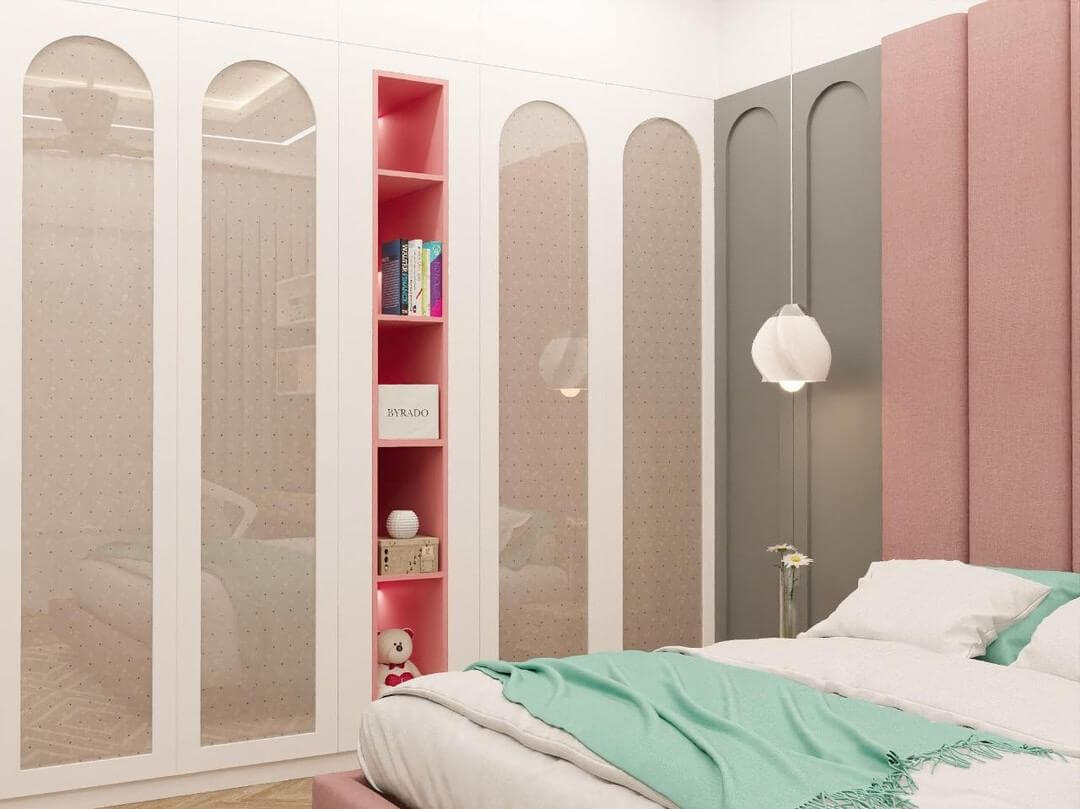
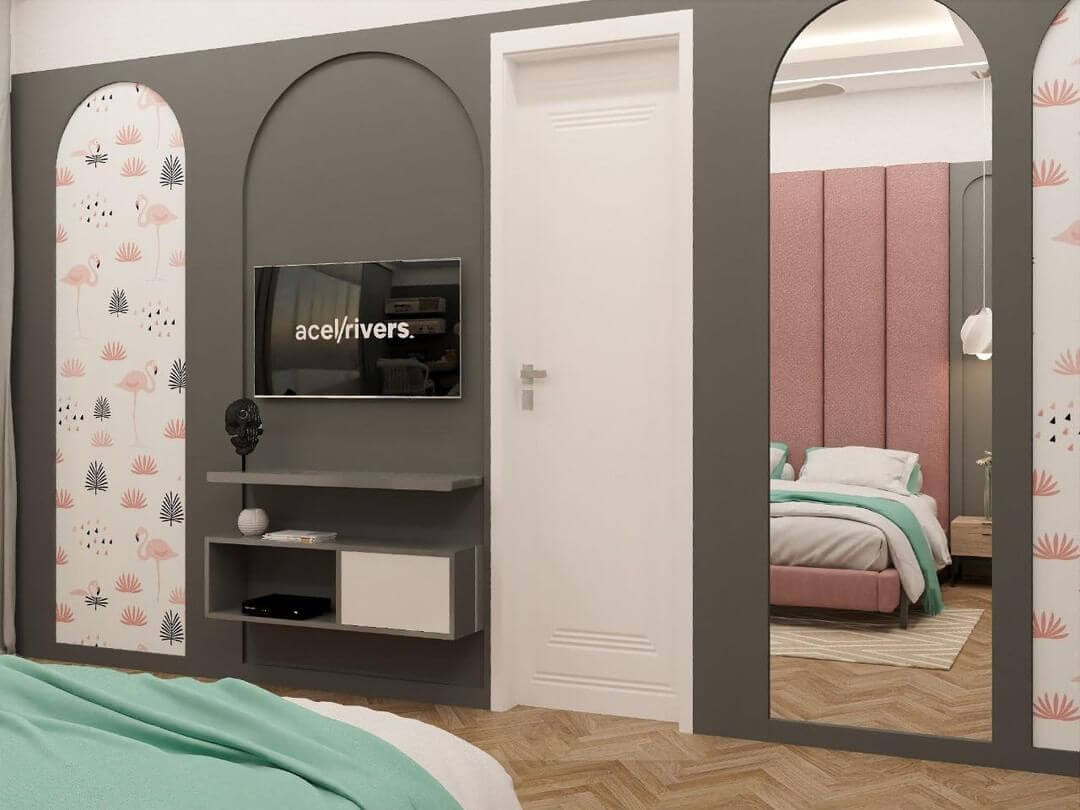
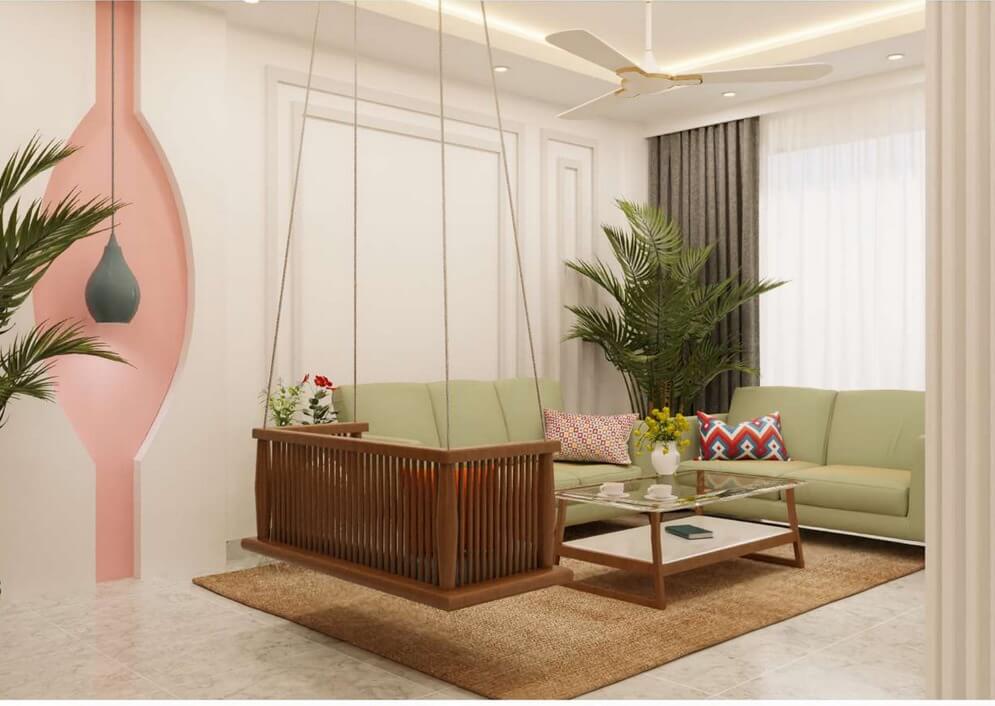
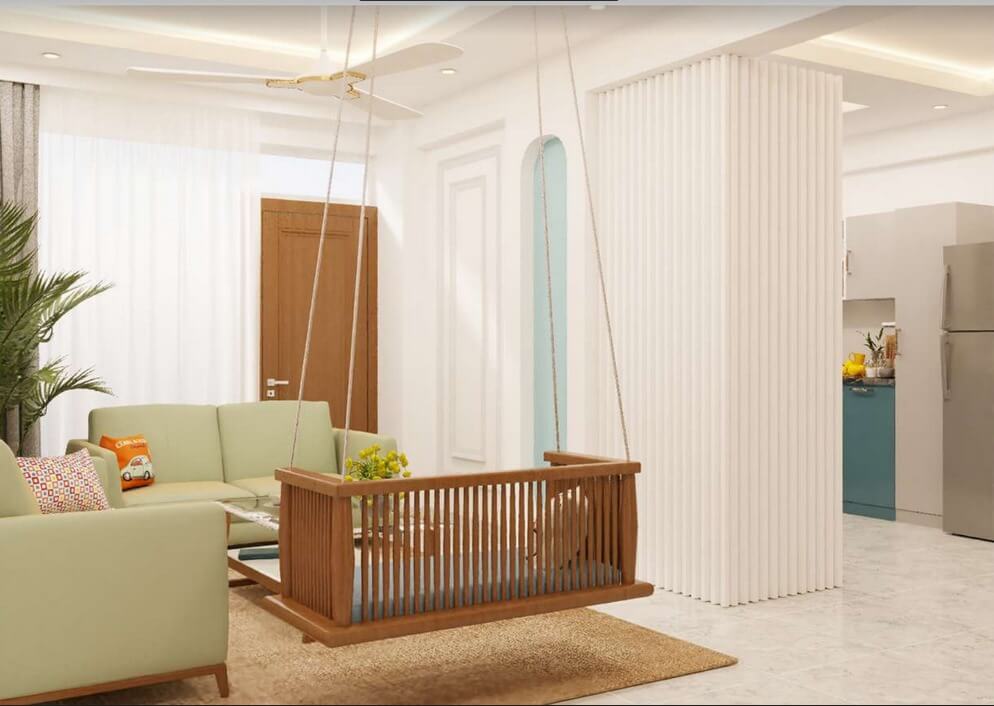
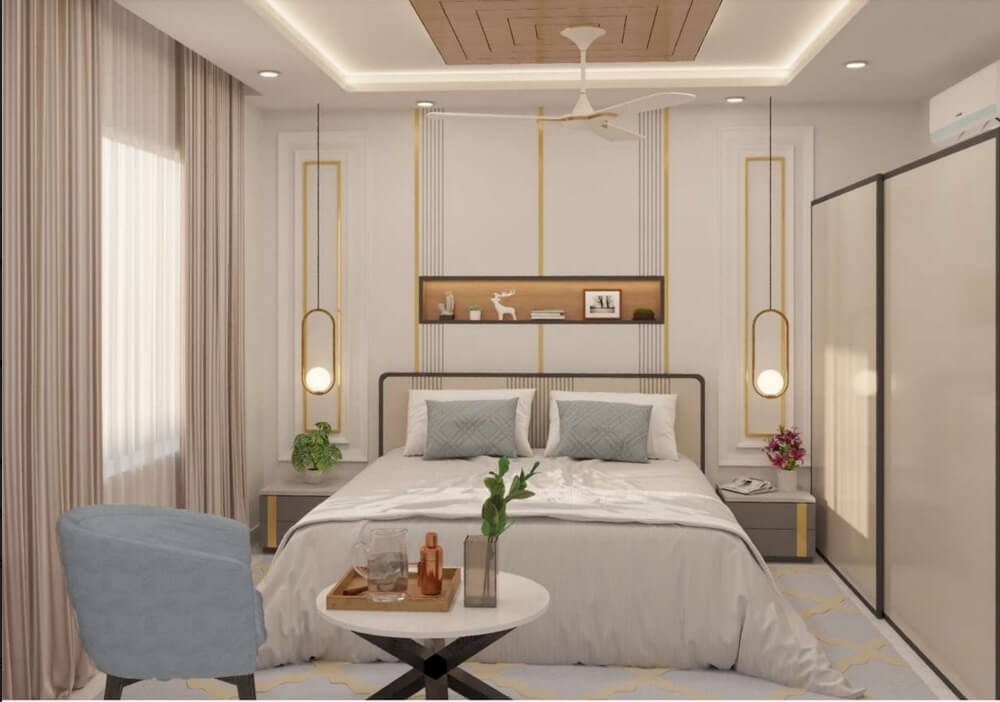
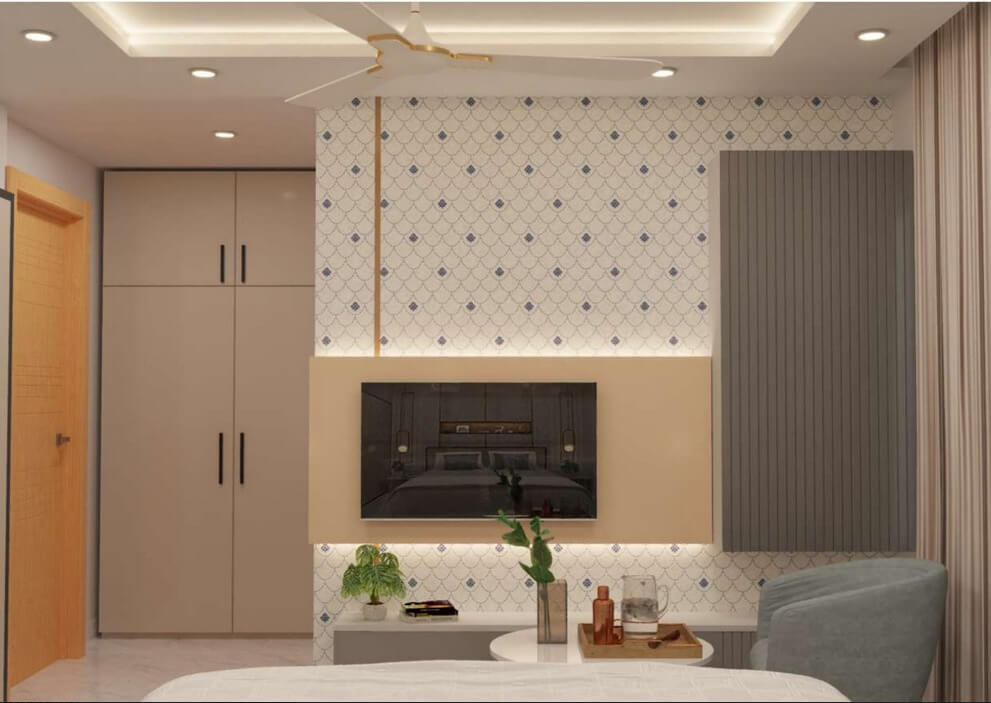
Project I Had Worked On.....
Walkthrough
Animation
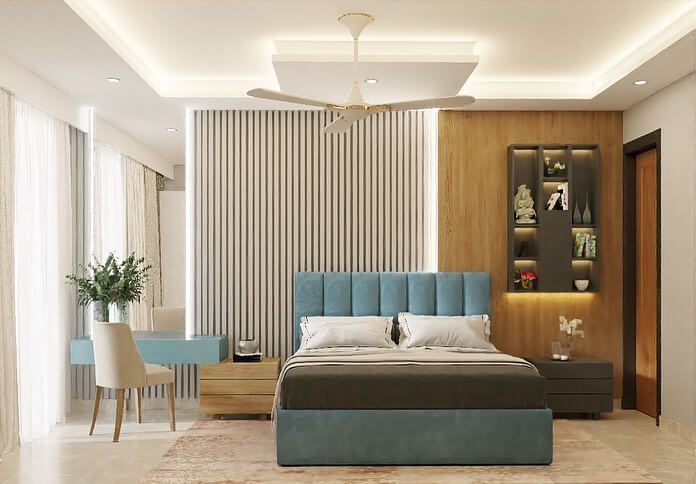
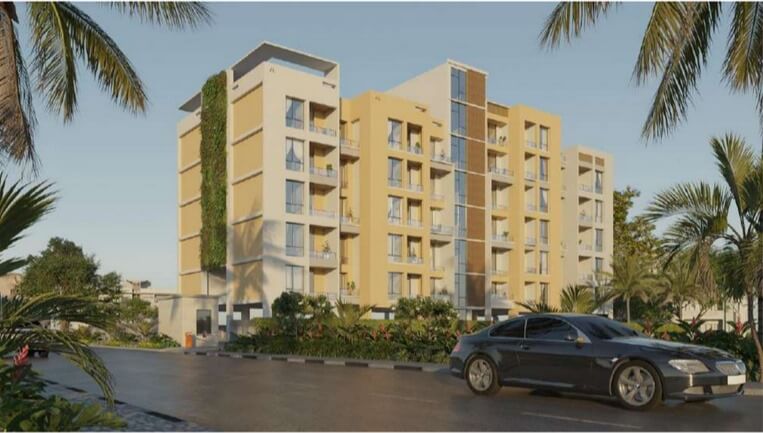
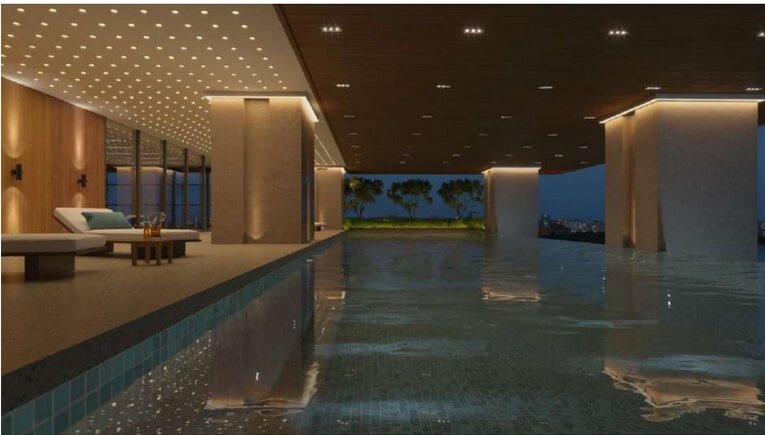
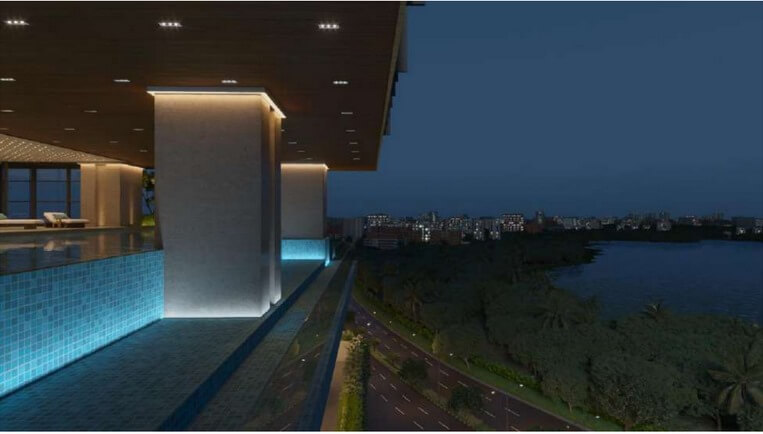
Attend the workshop if...
- You’re ready to elevate your 3D design skills to the next level.
- You know your creativity deserves to shine in stunning interior renders.
- You’re ready to transform your passion into a successful career.
- You’re tired of feeling stuck and want to break through 3ds Max’s complexities.
- You know it’s time to work on real projects, not just theory.
- You’re ready to produce professional-quality work that impresses clients.
- You want to fast-track your journey to becoming a 3D visualization expert.
- You’re eager to gain practical experience that goes beyond classroom learning.
- You’re ready to tackle high-paying projects with confidence.
- You know your artistic vision deserves the best tools and techniques.
- You’re ready to build a standout portfolio that gets noticed.
- You want to learn from someone who’s been there and done that in the industry.
- You’re ready to unlock new opportunities in architecture and design.
- You know it’s time to invest in your skills and future success.
- You’re eager to master the secrets of creating life like 3D interiors.
- You’re ready to streamline your workflow and work smarter, not harder.
- You know the importance of staying ahead in a competitive industry.
- You’re ready to connect with like-minded professionals and grow your network.
"Success is where preparation and opportunity meet." – Bobby Unser
We are living in an incredible time, where the demand for skilled 3D artists is skyrocketing. The opportunities for those who are prepared are endless, and the timing has never been better to dive in and make your mark. This workshop is your gateway to tapping into those opportunities.
Join us, and we’ll show you how to create the assets that will not only elevate your career but also give you the freedom to live life on your terms. Your dream career in 3D design is within reach—this workshop is the first step towards making it a reality.